GALLERY · TAGGED SERVICE MEDIA
Field teams take photos inside CyntientOps at the moment the work happens, locked to the building the worker is clocked into. Each capture is bound to a specific task, a specific phase of that task — before, after, or a named side of the building where that applies — and a specific person, and it files itself under the true service category instead of a generic bucket. A photo sent in later can still be attached, but it carries different provenance, and we show that difference rather than hiding it.
Genuine capture-time provenance: camera EXIF data or a timestamp recorded by the app camera at the moment of capture.
Taken inside CyntientOps, bound to the task, building, and person. The default for field work.
Attached later from a camera roll. Still part of the record, shown with its provenance and never dressed up as more.
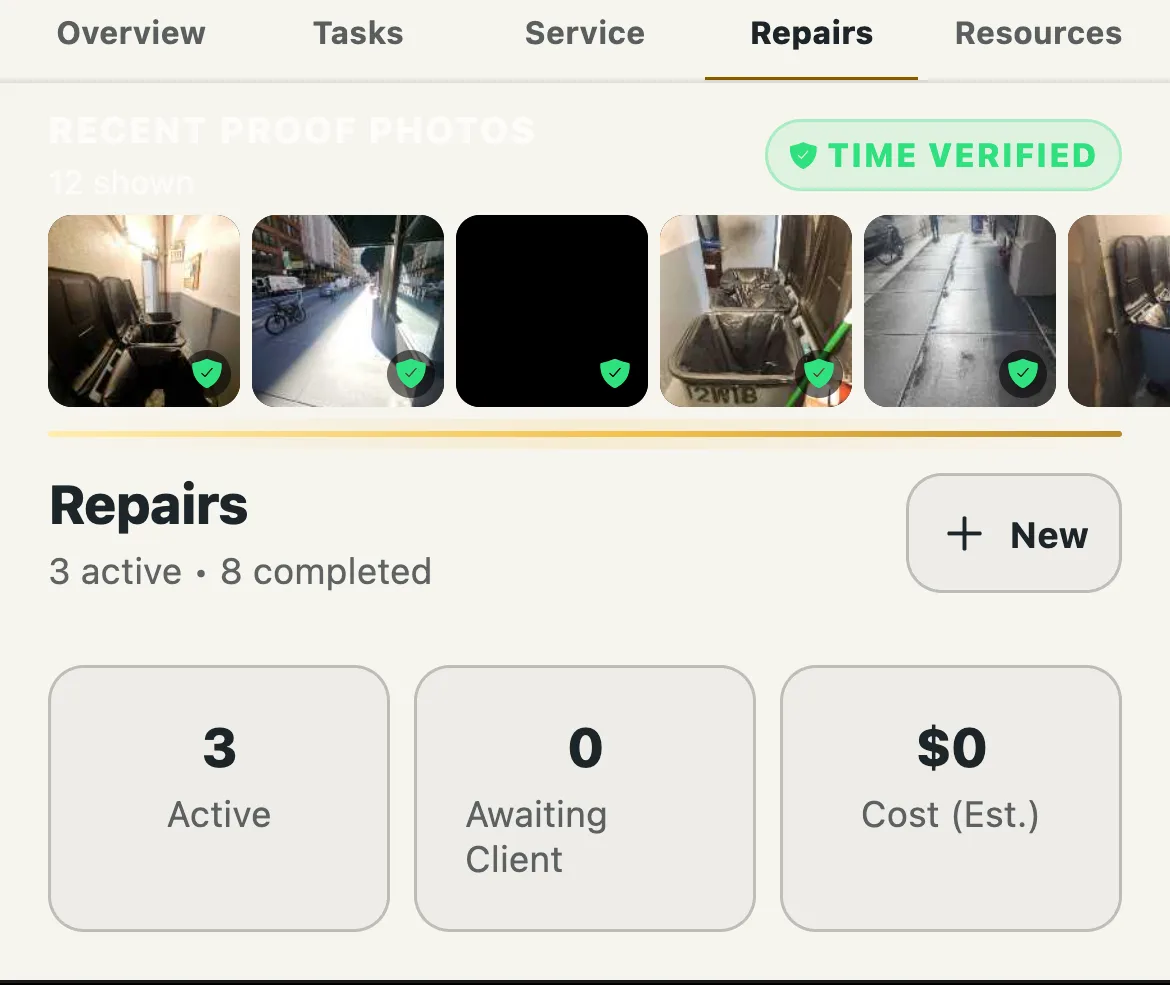
When a photo carries genuine capture-time provenance, either camera EXIF data or a timestamp recorded by the app camera itself, it shows a TIME VERIFIED badge. Photos that arrive by upload without that provenance do not get the badge, because it is only worth anything if it is never applied loosely.
We do not claim every photo in your portfolio is forensically timestamped, because that is not true of any system where people can also upload from a camera roll. We do not claim a photo decides a legal outcome. The claim is: every photo tells you how it was captured, and the ones with verified capture time are marked as such.
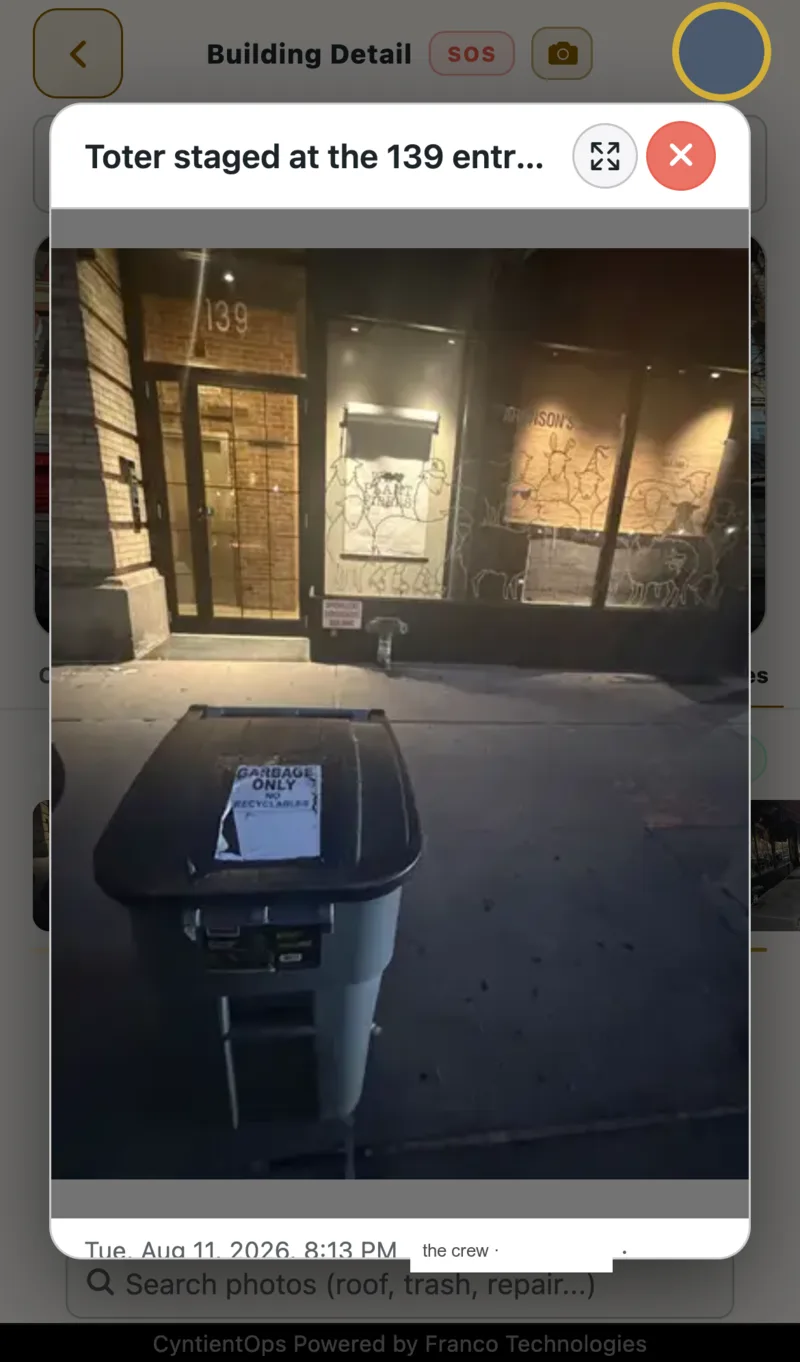
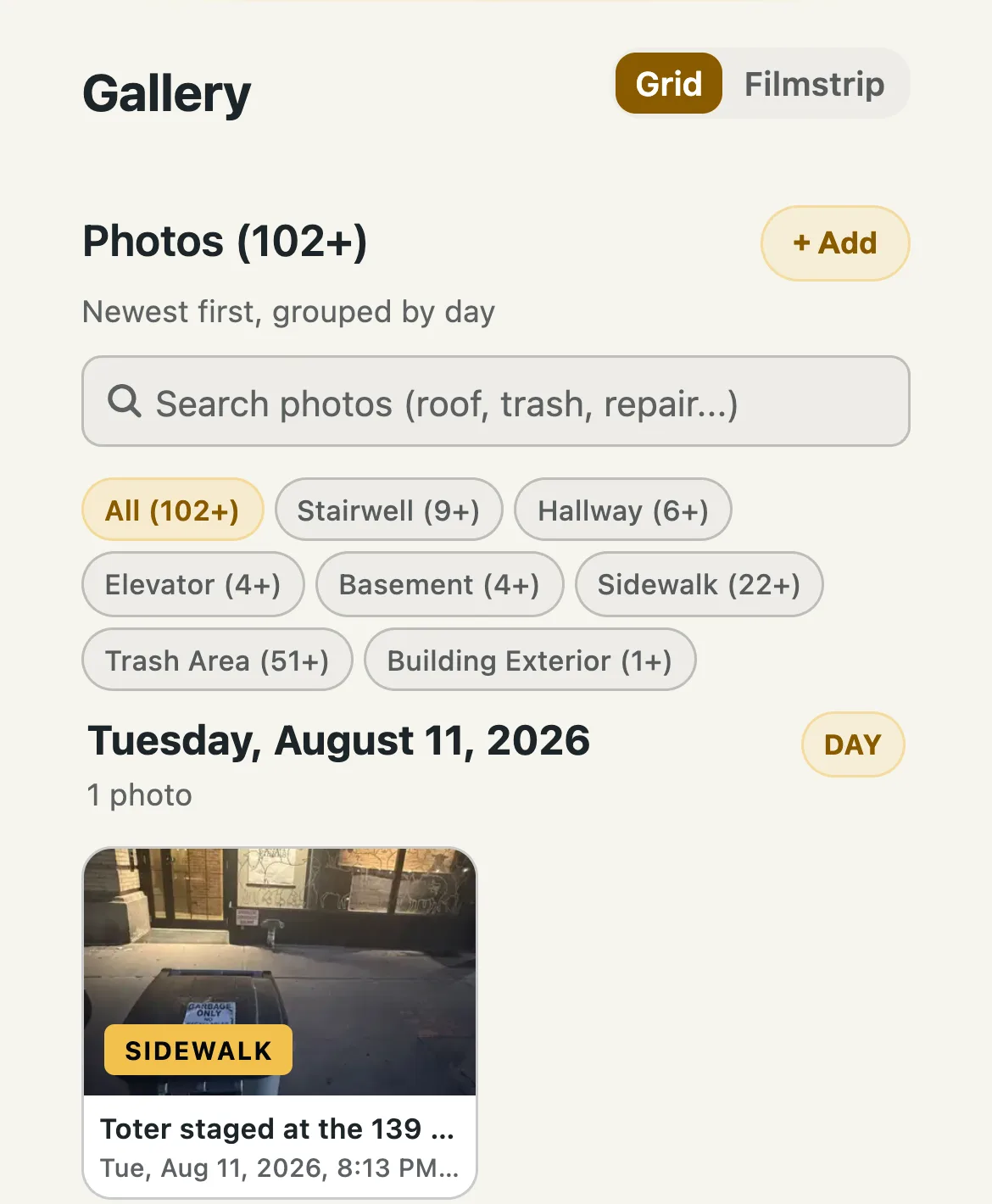
Photos group by building, by task, and by the batch they were captured in. Clients and boards see the work at their own buildings without anyone assembling a report by hand. A photo-gated task stays open until the capture exists, so the record is complete on the day the work happens, not reconstructed under pressure later.
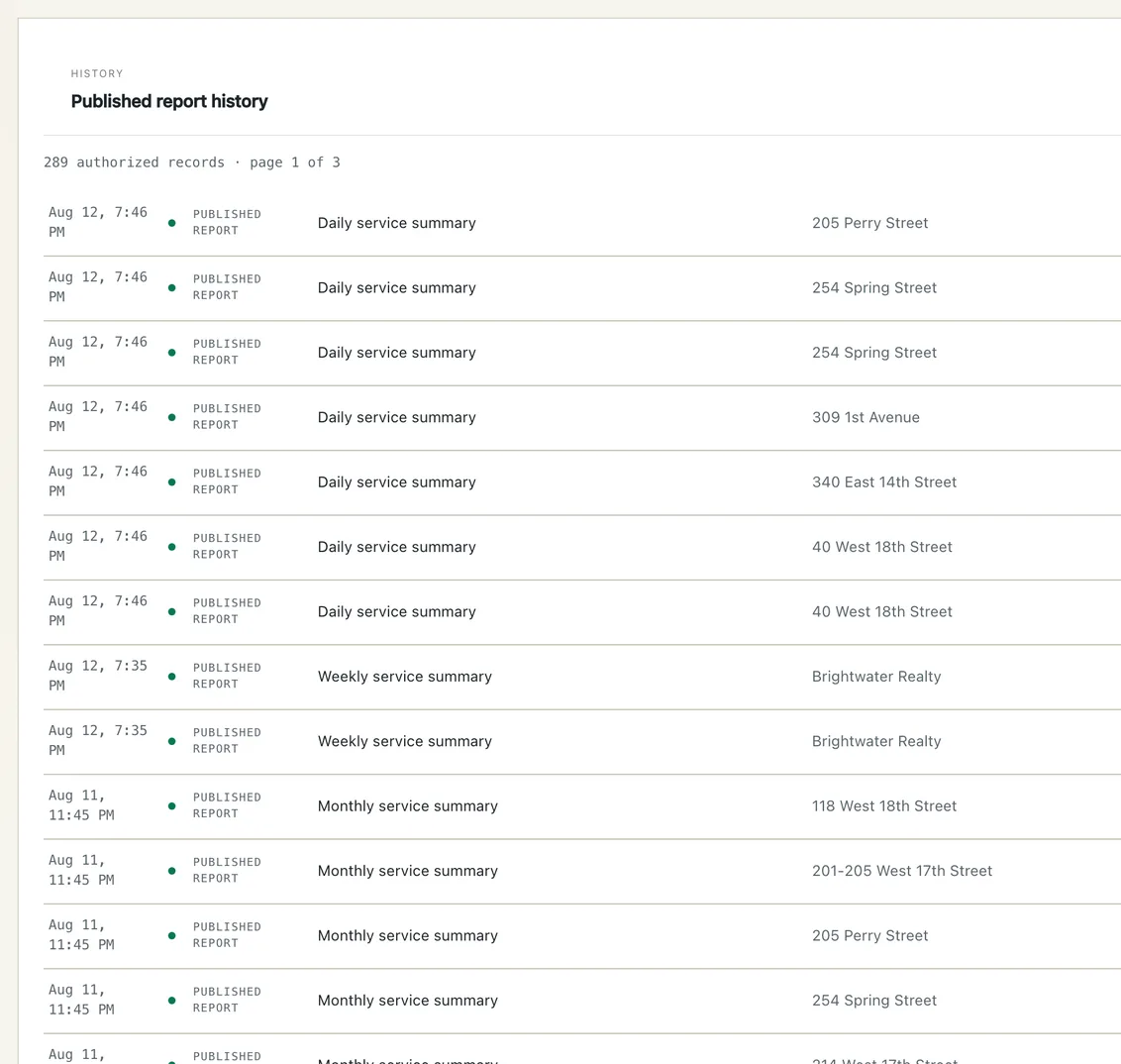
Every published daily, weekly, and monthly report is kept in one authorized history, by building and by date. Nobody retypes the service ledger from memory after the fact.