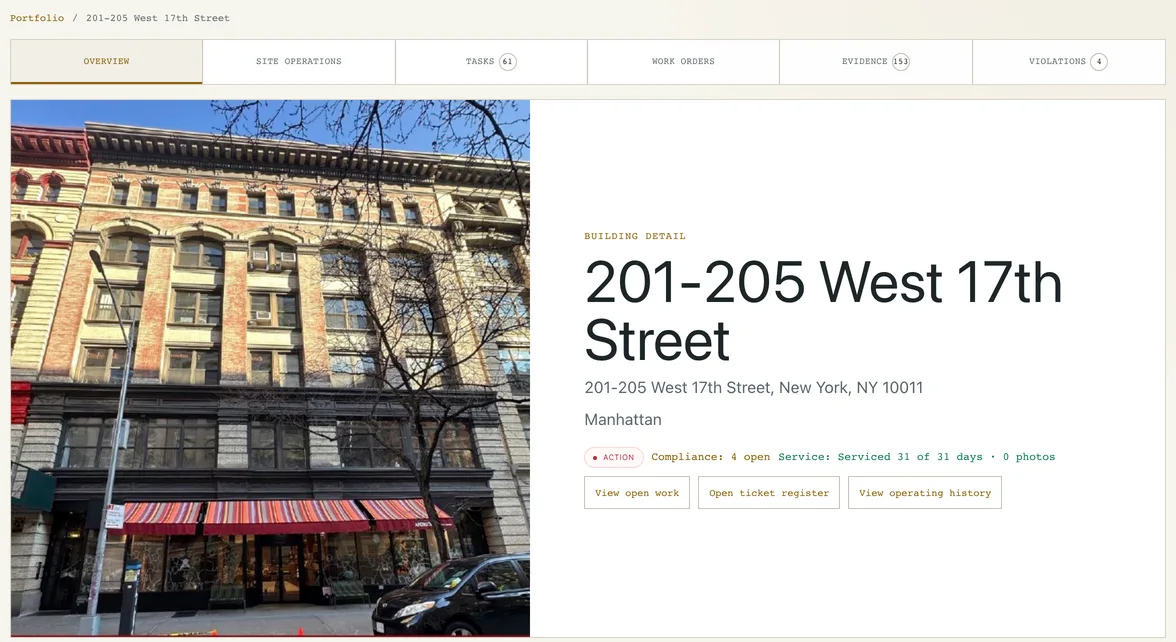
BUILDING DETAIL · LIVE RECORD
CyntientOps is building-operations software for recurring field work: each visit is a task on the crew's phone, finished with a photo where proof matters, reviewed by a manager and shown to the client once approved.
Recurring routes become the day's service items, queued in order for a worker at a building.
A worker sees the next task and the photos it needs, one task at a time, in English or Spanish. A photo-required task does not close without the photo.
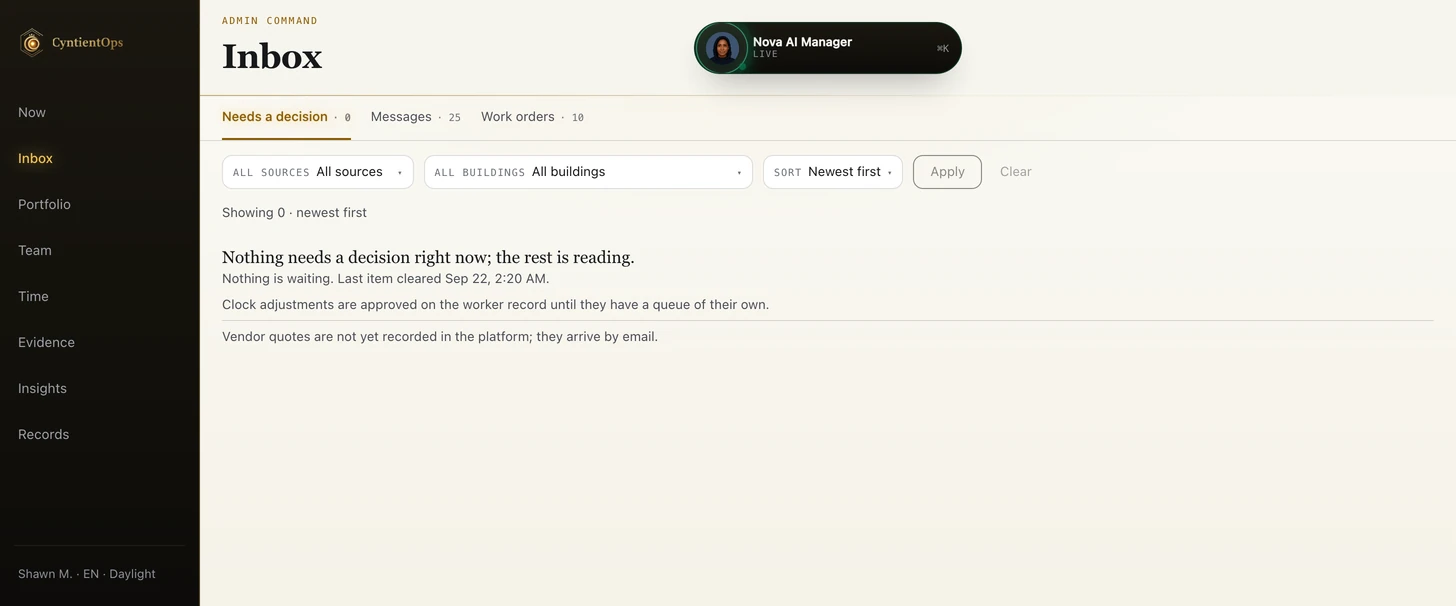
Managers see what is complete, what is late, and what needs review. The admin reviews completions and promotes photos for client visibility.
Boards and managing agents see approved proof and reports at their own buildings, without the internal noise.
Messages, photos, tickets, checklists, violations, worker updates, and reports live in different places. CyntientOps pulls the day into a Chief of Staff Brief so managers see what needs attention, what is moving, what is late, and what can be reported.
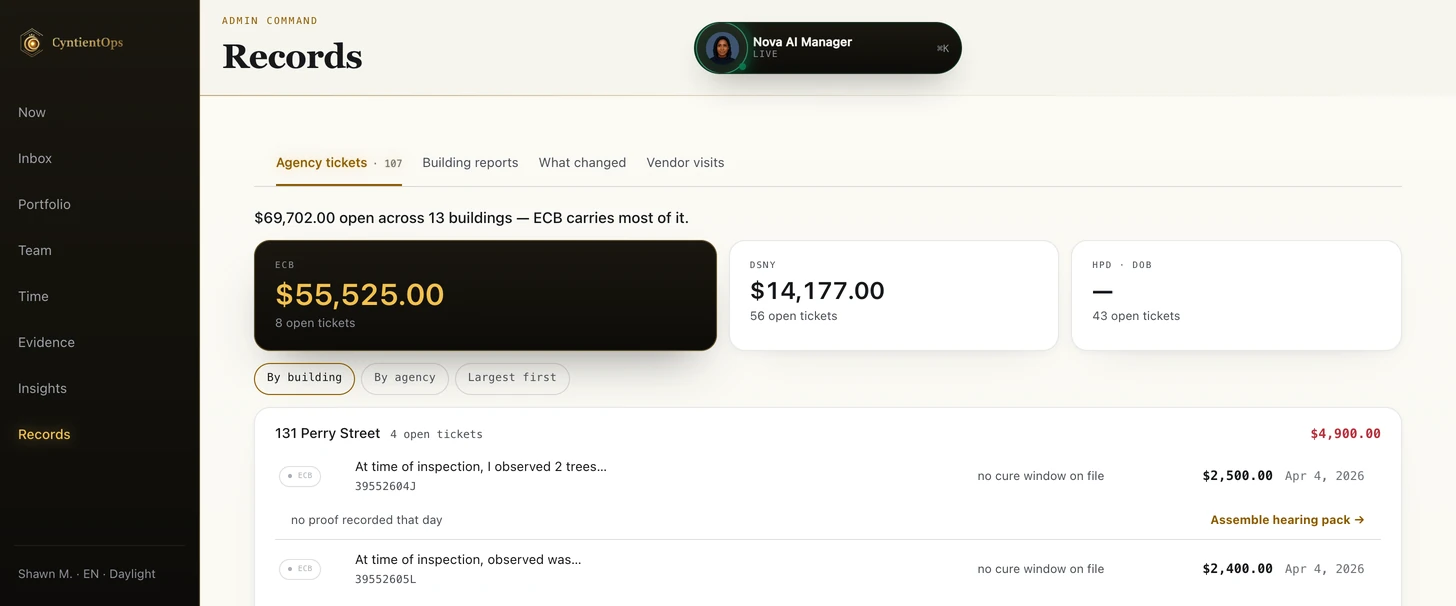
NYC buildings create a specific operational load: sanitation routines, maintenance requests, DOB/HPD/FDNY/OATH/ECB pressure, tenant issues, board reporting, and recurring field work. That is why ticket analytics sit on the admin dashboard as first-class signals: open and aging tickets, OATH exposure, and fines estimated in dollars. This is not a generic task list.
The Chief of Staff Brief brings today’s work, exceptions, and conditions into one call. When building records support it, forecast windows can propose route work — rain mats before rain, drain checks during storms, and retrieval after a sustained dry window — with the required proof already stated. Weather creates a reviewable work signal; it never pretends the job was approved or completed.

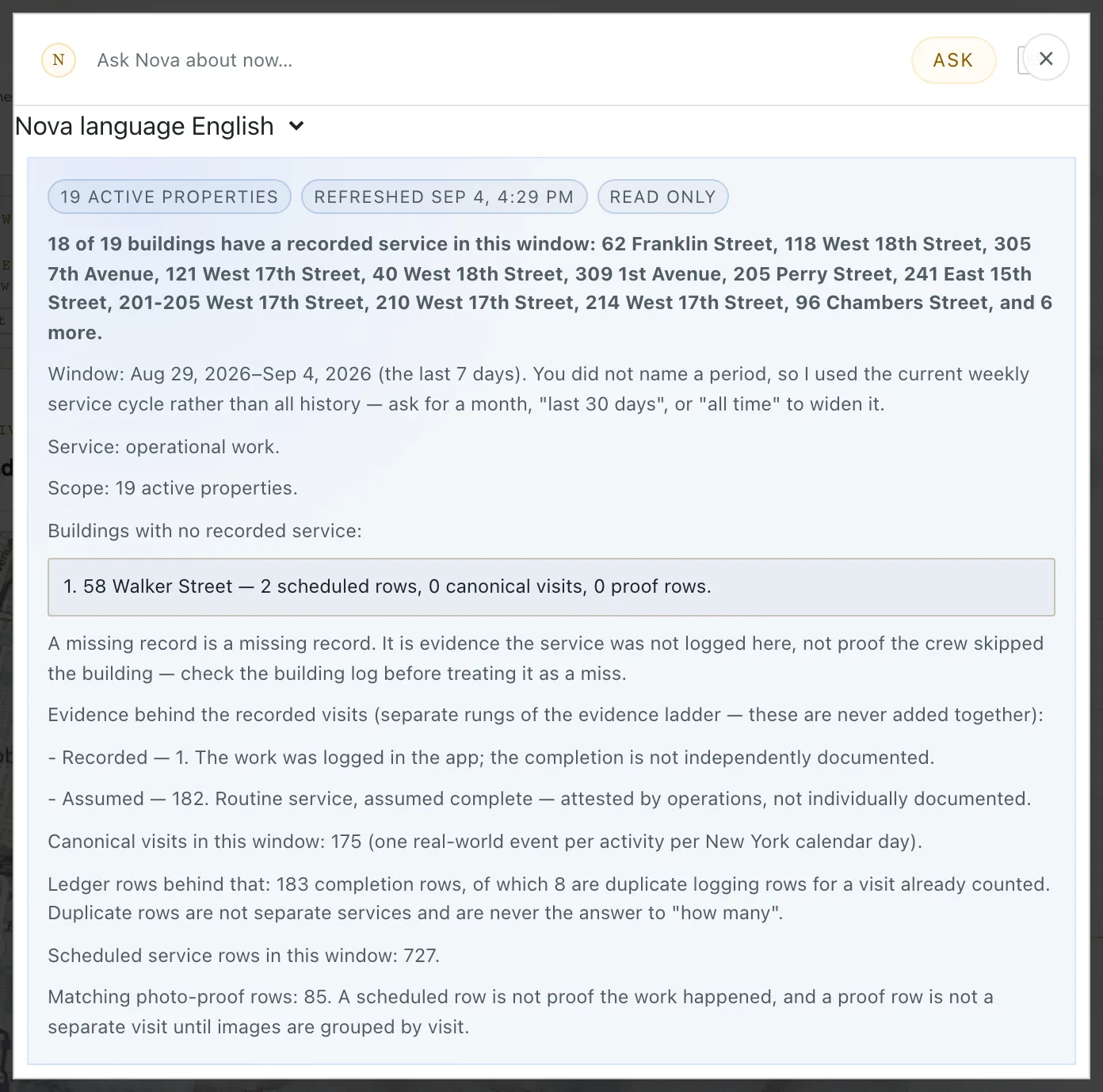
Nova reads the same scoped building, task, photo, and compliance context your team works from. Ask where the exposure is and it answers with real counts and sources, not vibes. Every action Nova proposes runs through the same executor the buttons use, so nothing bypasses review.
Nova works from the same scoped building, task, photo, and compliance records the team uses — not a generic knowledge base. Its view follows the signed-in role and portfolio scope, so each user sees only the operational context they are authorized to see. When an action is appropriate, Nova proposes it through the same policy, executor, and confirmation path as the product UI.